Technical Ragdoll MMA Controls: PC Keys and Fight Tips
Learn the Technical Ragdoll MMA controls on PC, from jabs and hooks to blocking and kicks, plus stamina tips, fighter builds, and the free ALOHA code.
Jump to
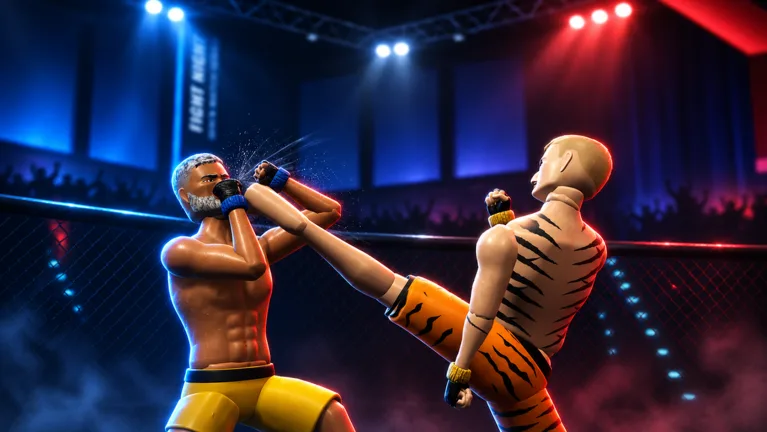
Your first fight in this physics-driven Roblox brawler can go badly if you don't know which button throws a hook and which one keeps your chin protected. Learning the Technical Ragdoll MMA controls early separates fighters who stumble around the cage from fighters who score clean knockdowns. The core striking layout on PC is simple, and once it clicks you can focus on timing, stamina, and building a fighter that suits your style.
PC Controls for Striking and Defense
Technical Ragdoll MMA runs on PC, mobile, and console. The keyboard and mouse layout below covers the basics you'll use in every match:
| Action | Input (PC) |
|---|---|
| Jab | Left click |
| Cross | Right click |
| Lead hook | Q |
| Kick | Shift |
| Block | Hold Space |
Beyond striking, your fighter can slip, clinch, shoot for takedowns, and finish fights on the ground. The game also lets you switch between first-person and third-person views mid-fight.
For a full walkthrough of every input, head into the tutorial from the lobby before your first real fight. Clearing it, plus your first practice match, also unlocks the main menu.
How to Use Each Strike
Each punch has a different job, so don't spam one button.
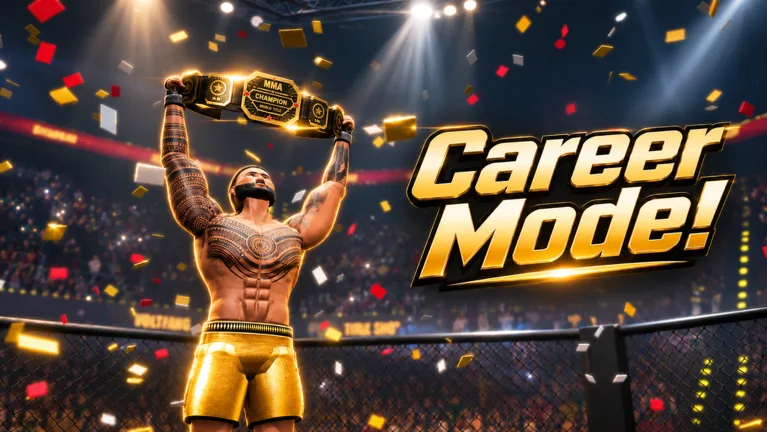 Image: Roblox / TechnicalMMA
- Jab (left click): A well-timed jab counters an incoming hook. Mistime it and you'll just trade shots.
- Cross (right click): Follow the jab with this for a basic one-two.
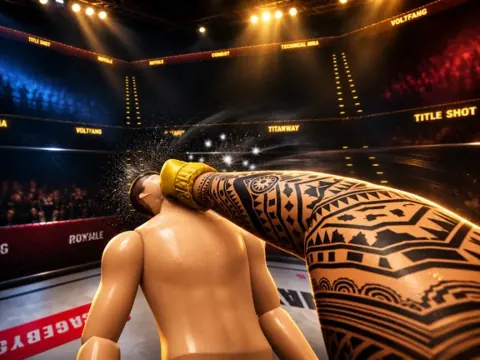
- Lead hook (Q): Hooks are powerful strikes that throw opponents off balance and drain Head HP quickly. Work both right and left hooks into your combinations.
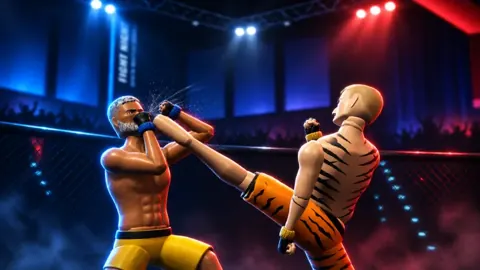
- Kick (Shift): Mix kicks and knees into your punches so your opponent can't just guard high.
- Block (hold Space): Hold it when your opponent starts swinging, especially against hooks you can't counter in time.
Keep an eye on the health display in the top right. It tracks head and body damage separately. If your opponent's head is badly damaged, keep aiming hooks there to force the knockdown. When they hit the mat, keep up the pressure while they're down.
Manage Your Stamina
Watch your stamina in every fight. Throwing nonstop punches drains it, and a fighter who gasses out gets knocked out. When your stamina bar dips:
- Stop throwing strikes.
- Wait for the bar to refill before swinging again.
- Re-engage with a jab once you've recovered, rather than leading with a big hook.
Weight affects cardio, so your build plays a part here too (see below).
How Your Build Changes the Fight
Character creation directly affects how your fighter performs:
- Height sets your reach.
- Muscle and fat determine your weight.
- Weight drives your power, speed, and cardio.
Fighters compete across five weight classes, from lightweight to super heavyweight. For a striking-focused setup, try a muscular, lean body with long arms for extra reach and around 6'1" in height.
Hair choice doesn't really matter, so pick whatever you like. You also choose a guard style during creation.
Game Modes to Practice In
Once you've got the controls down, you can take them into several modes:
- Career Mode: Work your way toward becoming a double champion.
- Quick Match: Jump straight into a fight.
- Ranked: Season 1 is live. Climb from Amateur to Champion for exclusive gear.
- Fight Now: Stand and Bang, Open Weight, Bare Knuckle, 2v2, and 3v3.
- Sparring: Private fights with friends.
Servers hold up to 10 players.
Free Rewards With the ALOHA Code
There's one active code right now:
| Code | Reward |
|---|---|
| ALOHA | Hawaiian Shorts and 1 Champion Pack |
To redeem it, finish the tutorial and your first practice match. Then open the code option from the menu, type ALOHA exactly as shown, and confirm. Codes are case-sensitive, so a typo or an extra space will make the redemption fail. New codes get announced in the game's description on its official Roblox page, so check there after updates.
FAQ
How do I block in Technical Ragdoll MMA?
Hold Space on PC.
What's the best counter to a hook?
A well-timed jab. Throw it as your opponent winds up the hook. If you're late, block with Space instead of trading.
Can I play in first person?
Yes. You can switch between first-person and third-person views during a match.
Continue with
 Technical Ragdoll MMA Fight Now Modes: Every Mode ExplainedEvery Technical Ragdoll MMA Fight Now mode explained: Stand and Bang, Open Weight, Bare Knuckle, 2v2 and 3v3, plus controls, builds and the ALOHA code.
More in Guide
Technical Ragdoll MMA Best Tech: Builds, Strikes & Counters
Learn the Technical Ragdoll MMA best tech: long-reach builds, jab and hook timing, blocking, stamina control, and the ALOHA code. Step in the cage ready.
Technical Ragdoll MMA Career Mode: Road to Double Champion
Technical Ragdoll MMA career mode guide: build your fighter, pick a weight class, and chase double champion status. Plus the ALOHA code and combat tips.
Technical Ragdoll MMA Controller Support & Controls Guide
Does Technical Ragdoll MMA support controllers? Learn console and PC play, core striking controls, blocking, stamina tips, and the ALOHA code to redeem.
Technical Ragdoll MMA Guide: Builds, Controls & Codes
Our Technical Ragdoll MMA guide covers controls, body builds, weight classes, wrestling, modes and the ALOHA code. Start winning fights on Roblox today.
Continue exploring
Join the community
Official channels for news, updates and player help: